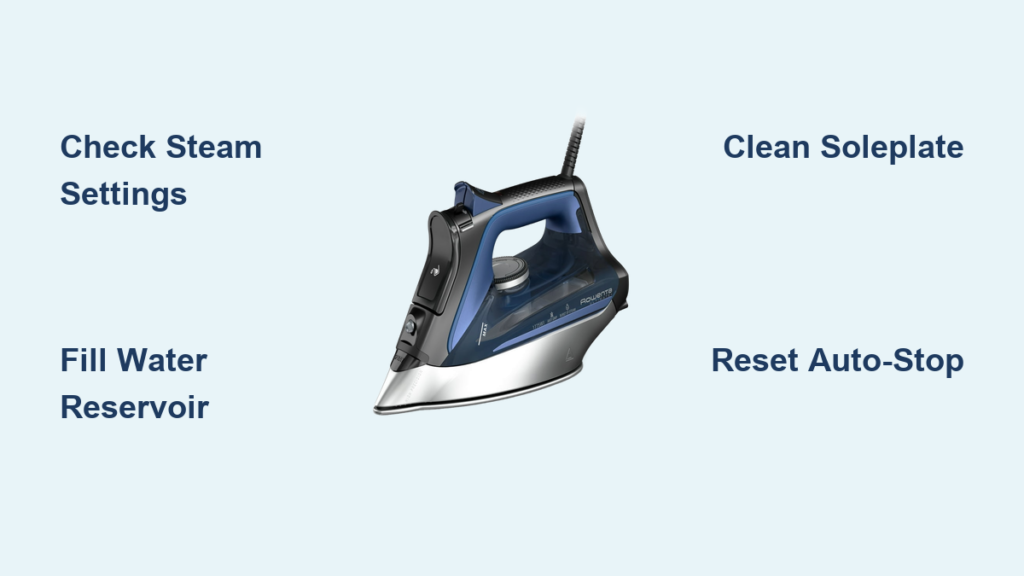
Your Rowenta steam iron suddenly stops steaming during an important ironing session, leaving stubborn wrinkles untouched. Or worse—it starts leaking water onto your freshly pressed dress, creating embarrassing water spots. These frustrating issues happen to even the most careful users, but here’s the good news: most Rowenta steam iron problems can be diagnosed and fixed at home without professional help. This comprehensive rowenta steam iron troubleshooting guide reveals the exact steps to identify and solve the most common issues plaguing Rowenta owners.
Whether your iron won’t heat, leaks water unexpectedly, or shuts off randomly during use, we’ve got you covered. Forget confusing manuals and vague online advice—this guide delivers precise, model-specific solutions based on official Rowenta service documentation. You’ll learn how to distinguish between simple fixes you can complete in minutes and more complex issues requiring professional attention.
Steam Function Not Working Properly
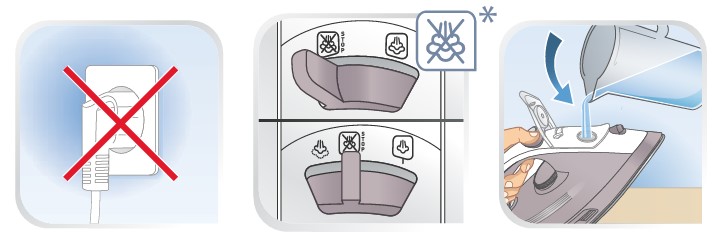
When your Rowenta iron fails to produce steam, don’t panic—this is one of the most common issues with straightforward solutions. Understanding how Rowenta’s steam system works is crucial to diagnosing the problem correctly.
Verify Thermostat Steam Settings
Most Rowenta steam iron owners miss this critical detail: steam production depends entirely on your temperature setting. The majority of Rowenta models require the thermostat dial to be positioned at the Two Dot or Three Dot setting for steam generation—not the One Dot setting. Check your temperature dial—you’ll notice the Two Dot and Three Dot positions have a shaded background area. This visual indicator marks the exact temperature range where steam production occurs. Setting the dial below this shaded region means no steam will emerge, regardless of other factors being functional.
Check Water Reservoir Level
Even if water remains visible in the reservoir, the level may have dropped below the minimum threshold required for steam generation. The steam system needs a specific water volume to maintain pressure and produce continuous steam. Fill the water tank to the MAX level indicator before troubleshooting further. Remember that steam production and spray function have different water level requirements—what appears to be “enough” water for visible use might be insufficient for steam generation.
Understand Steam Hole Configuration
A persistent misconception is that all holes on the soleplate function as steam vents. Rowenta designs certain smaller holes specifically to enhance glide ability across fabrics. Only the designated steam holes actually release steam during operation. Consult your model’s diagram to identify which holes serve which purpose. This prevents confusion when steam production seems limited—as long as steam emerges from the designated vents, your iron’s steam system is functioning as designed.
Address Stuck Steam Button
The dedicated steam button mechanism may become stuck in the closed position or experience internal component failure. When this occurs, the button feels unresponsive, requires excessive force to activate, or fails to produce steam even when temperature and water levels are correct. Clean around the button with a soft cloth dampened with vinegar solution to dissolve mineral deposits. If cleaning doesn’t restore function, steam button replacement following the manufacturer’s procedure becomes necessary.
Fix Water Leaking Issues
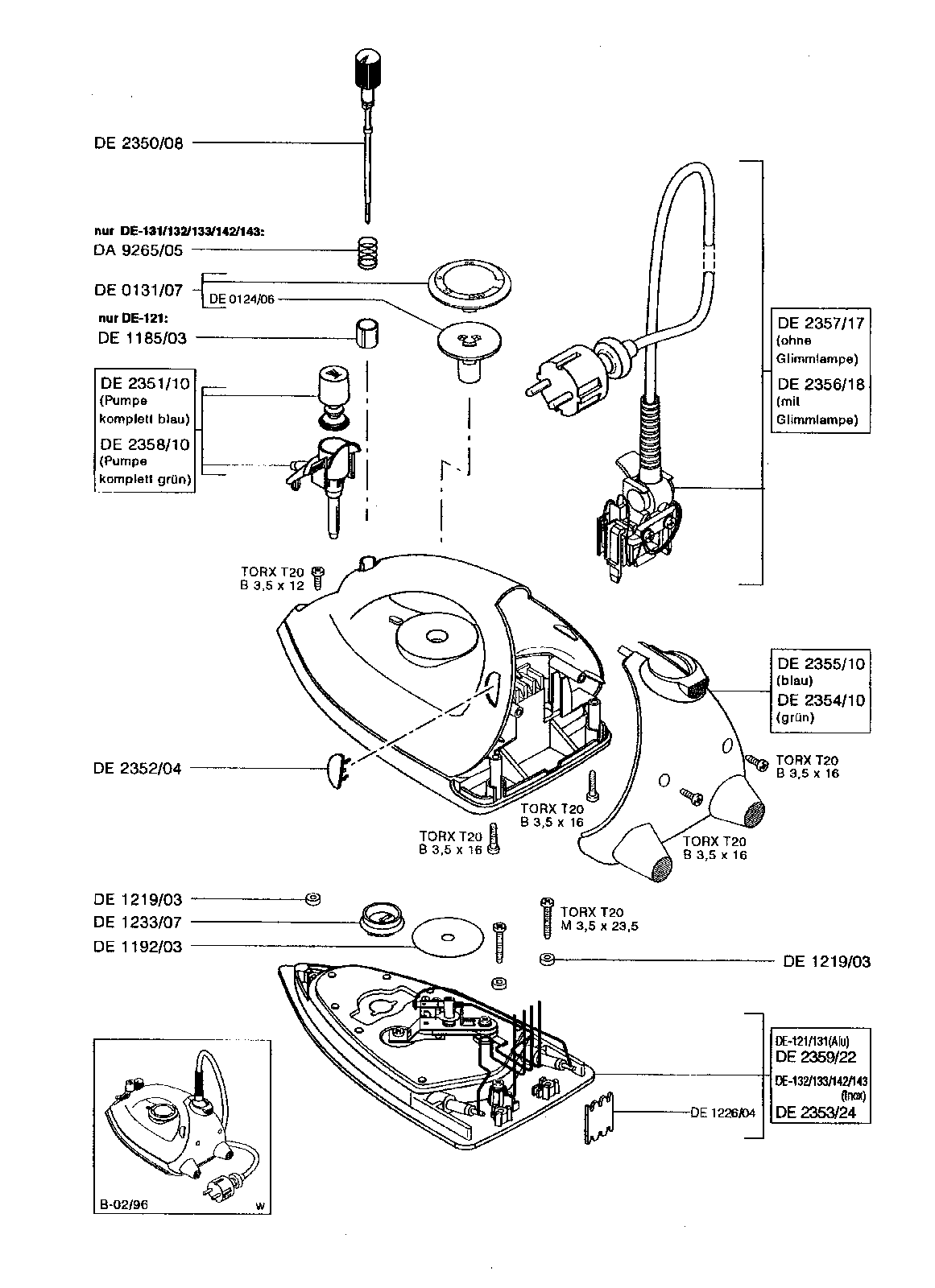
Water leakage from your Rowenta iron creates puddles on your ironing surface and can damage fabrics. This problem typically stems from temperature mismatches or mineral buildup affecting the steam conversion process.
Increase Temperature Setting
Water leakage frequently occurs when the soleplate temperature is too low to convert incoming water into steam. The heating element must reach a specific thermal threshold before the water injection system can properly vaporize water droplets. When the temperature setting is below this threshold, water passes through the system without vaporizing and exits through the soleplate holes as liquid. Simply increasing the thermostat dial setting to a position within the shaded steam production zone allows adequate heat to convert water to steam before expulsion, solving most leakage issues.
Flush Mineral Deposits
Lime and mineral buildup from regular tap water use accumulates within the water tank interior and steam hole network over time. This calcified deposit restricts water flow and steam passage, causing pressure buildup and water leakage from unintended points. To resolve this, completely fill the water tank with plain tap water, set the iron to continuous steam production mode, and allow all water to evaporate through the steam system. This flushing process dissolves and removes mineral deposits. Repeat this procedure a second time to ensure thorough cleaning of the entire water pathway and steam hole network.
Clean Residue From Soleplate
Lime and mineral residue accumulates on the soleplate surface itself, particularly around steam hole openings and the front edge. This external buildup disrupts the thermal dynamics required for proper steam formation and causes water to pool and drip from the plate instead of vaporizing. For minor residue, wiping the cooled soleplate with a damp cloth removes deposits effectively. For stubborn buildup, use a soft cloth dampened with mild dish soap to gently scrub affected areas. Always avoid abrasive cleaning tools like steel wool or scouring pads, and refrain from harsh chemical cleaners that could damage the soleplate coating.
Use Correct Water Type
Rowenta steam irons are engineered specifically for use with standard tap water. The internal components and steam generation systems are calibrated for the mineral content typical of municipal water supplies. Using distilled water, drinking water, or bottled water causes mechanical problems because these water types have different mineral compositions. The lack of minerals in distilled water can actually cause increased leakage in some Rowenta models, as the system relies on certain mineral content for proper operation. Never add water additives, fragrances, or cleaning solutions not approved by Rowenta, as these can damage internal seals and cause leaks.
Resolve Heating Problems
An iron that won’t heat renders itself completely useless. Before assuming internal component failure, work through these diagnostic steps to identify the actual cause.
Adjust Temperature Control Dial
The thermostat dial may be positioned at a low setting that fails to produce noticeably hot temperatures, particularly for thick fabrics requiring higher heat settings. Rotate the temperature dial to a higher setting, moving into the Two Dot or Three Dot region where significant heating occurs. If the dial feels loose, fails to click into positions, or doesn’t produce temperature changes when adjusted, the dial mechanism itself may require replacement following the knob replacement procedure.
Verify Power Supply
Check that the power cord is properly connected to a functioning electrical outlet. The power indicator light on the iron should illuminate when properly connected. If no indicator light appears, test the outlet by plugging in another electrical device to confirm outlet functionality. Try the iron in a different outlet throughout your home to isolate whether the problem lies with the iron or the original outlet. If the iron functions normally when connected to an alternative outlet, the original outlet or its circuit may be the issue rather than the iron itself.
Stop Random Shutdowns
An iron that powers off unexpectedly during use interrupts ironing sessions and creates safety concerns. The auto-stop safety system is usually responsible, though electrical issues can also cause random shutdowns.
Reset Auto-Stop System
Rowenta steam irons incorporate an electronic auto-stop safety system that monitors iron movement and orientation through integrated sensors. When the iron remains stationary for more than eight minutes in an upright or angled position, or when left flat on its soleplate for more than thirty seconds, the auto-stop system automatically cuts power to the heating element. The auto-stop indicator light typically flashes to signal this condition has been triggered. To restore normal operation, gently shake or move the iron to reset the motion sensors. The indicator light should extinguish, and normal heating will resume.
Maintain Your Iron Properly
Regular maintenance prevents most common troubleshooting issues and extends your Rowenta iron’s lifespan significantly.
Establish Cleaning Schedule
Based on iron usage frequency, establish a regular cleaning routine. For regular household use occurring several times weekly, clean the soleplate weekly and perform a complete water system flushing monthly. Occasional users should clean the soleplate after each use and flush the water system before extended storage periods. This preventive maintenance removes mineral deposits before they accumulate to problematic levels and ensures optimal steam production throughout the iron’s lifespan.
Store Correctly
Before storing the iron after each use, ensure the water tank is empty to prevent mineral accumulation during storage periods. Store the iron in an upright position in a cool, dry location with the cord wrapped securely but without tight kinks. Avoid storing the iron where it could be exposed to temperature extremes or direct sunlight for extended periods. Proper storage prevents seal deterioration, mineral deposit formation, and cosmetic damage that can affect performance.
Understand Temperature Settings
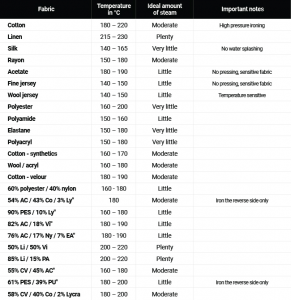
Rowenta steam irons use a dot-based temperature calibration system where each dot represents a specific temperature range suitable for particular fabric types. The One Dot setting corresponds to lowest temperatures suitable for synthetic fabrics, while the Three Dot setting provides highest temperatures appropriate for linen and cotton. Steam production is only guaranteed at settings at or above Two Dots on most models. Using this understanding, always set the dial appropriately before expecting steam function, and recognize that low-temperature settings will not produce steam regardless of other factors being functional.
When troubleshooting your Rowenta steam iron, work from simple solutions to complex ones. Start by verifying water levels, temperature settings, and power connections before proceeding to cleaning procedures or component replacement. Most issues resolve without requiring parts replacement, and regular maintenance prevents problems from developing in the first place. With proper care and timely rowenta steam iron troubleshooting, your appliance will provide years of reliable service for all your ironing needs.