Your GHD flat iron suddenly powers on with its familiar two beeps then dies completely, leaving you stranded without your essential styling tool. Before you rush to buy an expensive replacement, know that most GHD failures stem from a few common, easily repairable components. This guide gives you the exact steps to diagnose and fix your malfunctioning straightener, whether you’re tackling the repair yourself or deciding to seek professional help.
GHD (Good Hair Day) straighteners represent a significant investment in your daily routine, and the good news is that thermal fuses, cables, and even ceramic elements can often be repaired rather than replaced. Understanding which component has failed—and whether your specific model allows for that repair—determines whether you’ll be straightening your hair again within an hour or should seek expert assistance. This comprehensive guide covers all generations (Mk3, Mk4, and Mk5), providing model-specific instructions that ensure you apply the correct procedure to your straightener.
Diagnose Why Your GHD Flat Iron Stopped Working
Identifying the precise failure pattern in your GHD points directly to the faulty component, saving you time and preventing unnecessary disassembly. Different symptoms indicate specific problems that require different repair approaches.
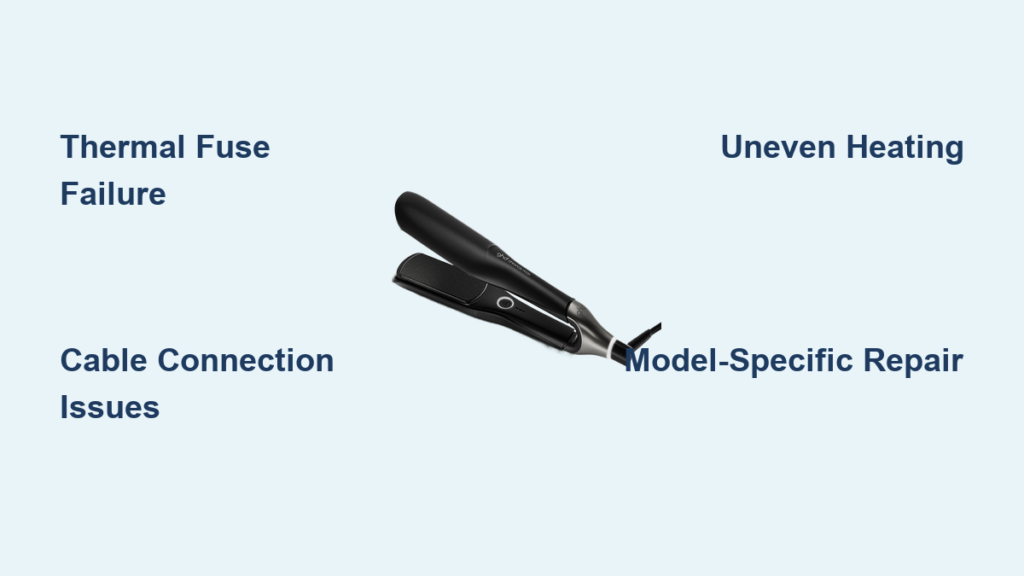
Two beeps followed by complete shutdown signals thermal fuse failure—the most common GHD malfunction. When your straightener powers on briefly, emits its characteristic startup beeps, then goes completely dead, the thermal fuse has triggered its safety cutoff. This HS fuse (high-temperature safety component) interrupts electrical flow when internal temperatures exceed safe thresholds and cannot reset once triggered. Mk4 models (4.0B, 4.1B, and 4.2B) experience this failure most frequently, though all generations can develop thermal fuse issues.
Intermittent power with cable-dependent operation indicates cable connection problems rather than internal component failure. If your GHD only powers on when the cord is held at specific angles or if indicator lights flicker during normal use, the issue lies in the power cord. Cable failures typically occur at stress points where the cord enters the device housing or connects to internal terminals due to constant bending during regular use.
Uneven heating or temperature error codes point toward ceramic element problems. When one plate heats while the other remains cold, or your GHD displays error messages related to temperature sensing, the internal heating element has likely suffered wire breaks from thermal cycling stress. Elements can experience single or double wire failures while remaining potentially repairable by specialists with appropriate soldering equipment.
Match Your GHD Model to the Correct Repair Guide
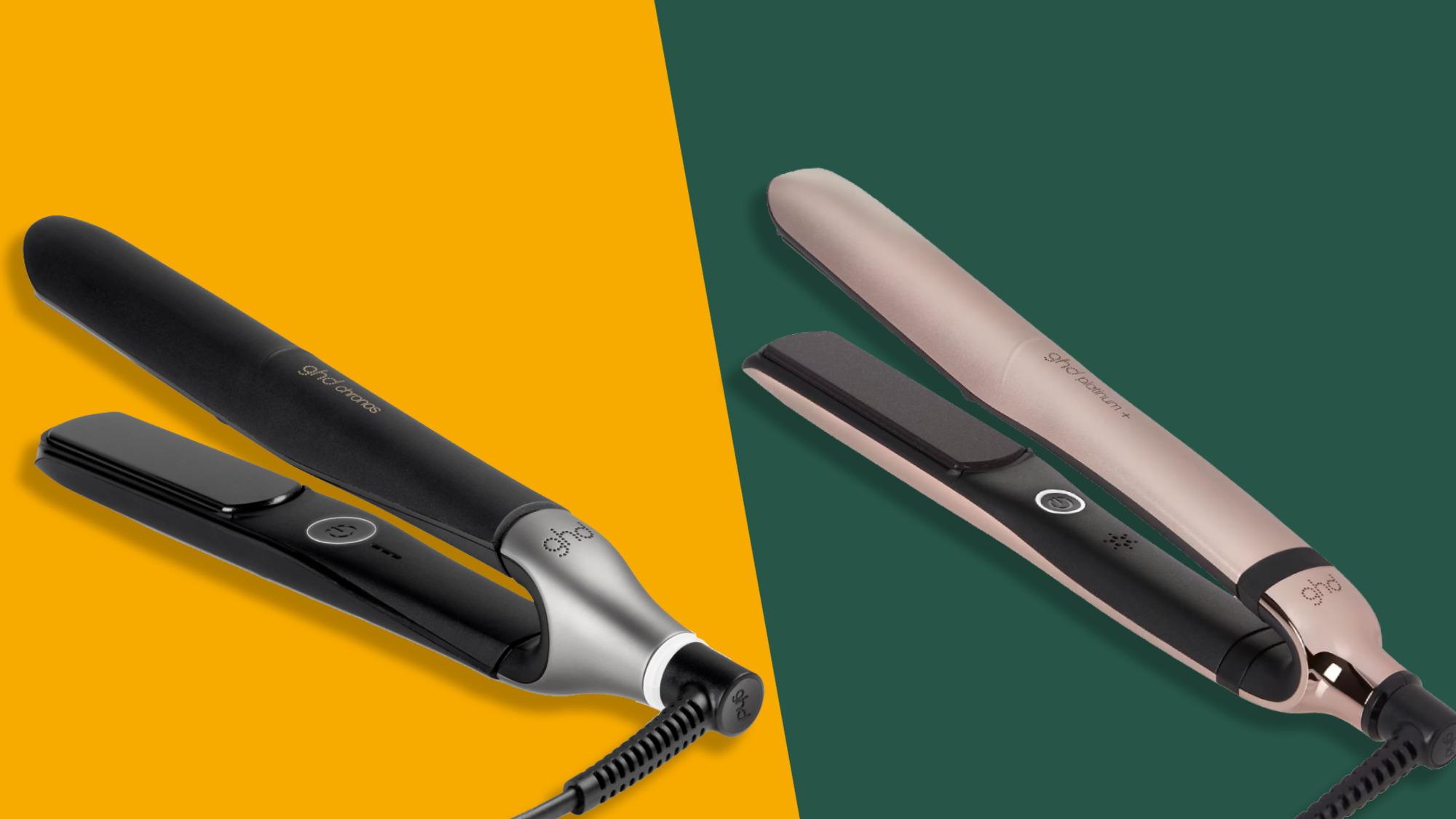
GHD straighteners evolved through distinct generations with different internal architectures, component placements, and assembly methods. Applying repair procedures from one generation to a different model risks damaging your device and voiding any warranty coverage. Before ordering parts or beginning any repair, confirm which generation your flat iron represents.
The Mk3 series includes models designated 3.1B, GHD3, SS, SS2, and MS variants. These devices share common internal layouts that accept standardized repair approaches within the generation. If your model number matches these designations or your device was purchased several years ago, you own a Mk3 unit. Thermal fuse replacement procedures for Mk3 models follow a consistent pattern, though specific fuse ratings and mounting configurations differ from later generations.
The Mk4 generation encompasses models 4.0B, 4.1B, and 4.2B, representing a significant design evolution from the Mk3 architecture. Cable replacement guides specifically target Mk4 irons because cable routing and connector types changed substantially. The two-beep-then-failure symptom appears particularly common in 4.2B models, making thermal fuse replacement a frequent repair for this generation. Internal component placement shifted to accommodate modified electronics, requiring different disassembly sequences than Mk3 models.
The Mk5 series represents the current design iteration and requires generation-specific repair guidance. Components and procedures from earlier generations do not apply to Mk5 devices, and attempting to use Mk3 or Mk4 guides on a Mk5 unit will likely result in damage. If your flat iron was purchased recently, verify the model designation against current specifications to confirm generation before proceeding with any repair.
Prepare the Right Tools for GHD Flat Iron Repair

Successful GHD repair requires only basic tools, but having everything prepared before beginning prevents mid-repair delays and reduces the risk of losing small components. The disassembly process involves several tiny parts that can roll away or be misplaced if your workspace isn’t properly organized.
Precision Phillips screwdrivers form the foundation of your tool kit. GHD devices use Phillips head screws throughout their construction, and you’ll need both standard and precision sizes to address different screw types encountered during disassembly. A magnetic tip screwdriver proves invaluable for retrieving screws from tight internal spaces and preventing them from falling into areas where they might cause shorts.
Replacement thermal fuse must match your GHD model’s specifications. The HS fuse rated for GHD use comes in specific amperage and temperature ratings that correspond to your model’s safety requirements. Using an incorrect fuse rating compromises safety protection and may void your repair’s effectiveness. Verify the exact part number against your model’s requirements before purchasing.
Soldering equipment becomes necessary if you’re addressing cable connections or ceramic element repairs. A temperature-controlled soldering station with fine-tip capability allows precise work on small electrical connections. If you’re uncomfortable with soldering or lack equipment, consider professional service for repairs involving these components rather than attempting them without proper tools and experience.
Complete GHD Thermal Fuse Replacement in 5 Steps
With your workspace prepared and tools ready, follow this precise sequence to replace your failed thermal fuse—responsible for most GHD failures indicated by the two-beep shutdown pattern.
Remove end covers first by applying gentle, even pressure with a flat tool if the covers resist removal. Work around the edges to release retention clips without marring the cosmetic surface. Some covers use friction fit while others incorporate small screws—inspect your model to determine which retention method applies.
Extract axle screws securing the metal plates together. These screws run along the length of the assembly and provide structural integrity to the clamping mechanism. Note that multiple screw sizes may exist, and their positions matter for proper reassembly. Photograph the screw layout before removal or arrange screws in a pattern matching their original positions.
Remove the plastic pin and spring assembly by pushing the plastic axle inward using a screwdriver, then withdrawing it from its housing. The spring component comes out next and must be preserved—note its orientation and tension state before removal. These parts operate together with the metal axle to establish proper plate pressure.
Replace the thermal fuse by locating the small cylindrical component with metal caps at each end. Remove the failed fuse using appropriate techniques for its mounting method. Clip-mounted fuses release from their holders, while soldered connections require careful desoldering. Install the new thermal fuse with correct orientation and secure mounting.
Reassemble in reverse order following the precise sequence: first the spring, then the plastic axle, followed by the metal axle, and finally the screws/washer and covers. This sequence ensures proper tension and alignment of all moving components.
Verify Your GHD Repair Before Daily Use

Before declaring your repair complete, thorough functional verification ensures the thermal fuse replacement succeeded and no additional issues exist. Testing involves more than simply powering on—you must confirm heating function, indicator operation, and safety features all operate correctly.
Perform an initial power test by connecting your GHD to power and observing startup behavior. The characteristic two-beep sequence followed by stable operation indicates successful repair. If your flat iron exhibits the same two-beep-then-failure pattern, the thermal fuse may have been installed incorrectly, a secondary failure exists, or the diagnosis was incorrect.
Verify heating function after successful power-on. Plates should heat evenly and reach operating temperature within the expected timeframe. One cold plate suggests element or connection problems separate from the thermal fuse you replaced.
Check all operating modes if your model includes multiple heat settings or styling options. Each mode should function without error codes or unusual behavior. Any abnormalities detected during testing indicate incomplete repair or additional underlying issues requiring investigation.
Decide Between Professional Service and DIY Repair
Choosing the right repair path depends on your technical confidence, available time, and the specific failure your GHD has experienced. Both options offer valid solutions when approached with the right information.
DIY repair suits those comfortable with basic electronics, possessing appropriate tools, and facing a clearly diagnosed failure (such as thermal fuse replacement). The thermal fuse procedure requires mechanical skill more than electrical expertise, making it the most accessible DIY repair for GHD owners. If you’ve successfully repaired other consumer electronics and have a clean workspace with proper lighting, DIY thermal fuse replacement saves money and provides satisfaction from self-sufficiency.
Professional service becomes the better choice for cable replacements, element repairs, or when diagnosis remains uncertain. Professional services offer expertise developed through handling large numbers of repairs, warranty coverage on both parts and labor, and safety assurance that DIY work cannot match. The cost difference between professional and DIY repair often proves smaller than expected when accounting for tool purchases, part sourcing, and the value of your time.
GHD flat iron repair offers a practical alternative to replacement for common failures, particularly thermal fuse issues that represent the majority of malfunctions. Whether you tackle the repair yourself or engage professional service, understanding your device’s architecture, following generation-appropriate procedures, and respecting safety requirements restores your straightener to reliable service. By addressing the root cause of failure rather than discarding a valuable tool, you extend the life of your styling investment while reducing electronic waste—proving that most GHD problems have straightforward solutions when approached with the right knowledge.